See the night ahead
Every booking, every table and a service sheet for the kitchen with allergies and notes.

For restaurants
Bookings, the floor plan and the kitchen briefing in one place. The host spends less time on the screen and more time on the floor.
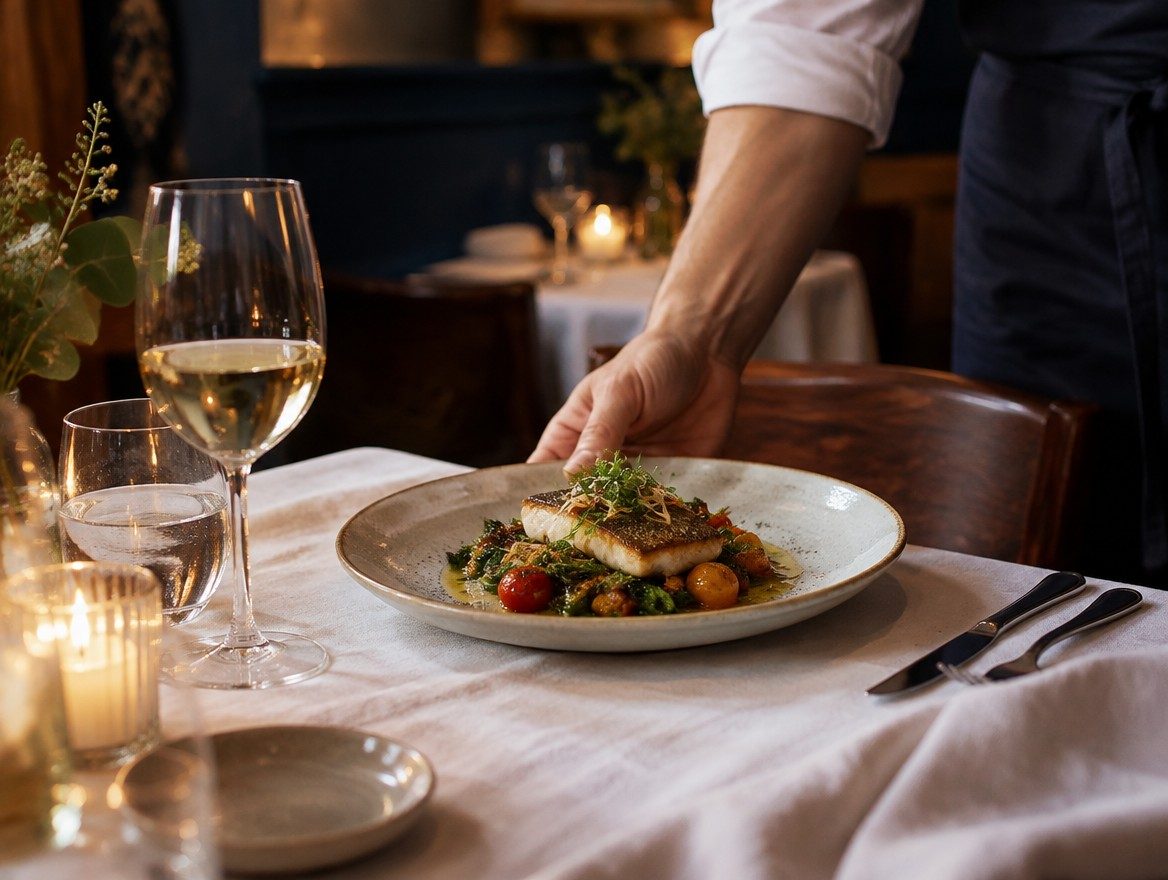
Every booking, every table and a service sheet for the kitchen with allergies and notes.
Ask for a card on bigger tables or busy nights. If a guest doesn’t turn up, the fee goes to your own Stripe account.
Profiles and tags show who’s a regular. Send an email or text to guests who said yes.
A restaurant night is a puzzle that changes every minute. A two-top runs long. A six arrives early. A walk-in asks for a table by the window. Tablewick puts reservations, tables and guests on one screen so the host can solve it fast.
The floor plan mirrors your real rooms. Tables can be assigned automatically as bookings arrive, or you can keep allocation manual and place every booking yourself. Either way, online availability never oversells: the engine holds room for unassigned bookings before it offers a time to the next guest.
The Today timeline shows every table across the evening, with a line for now. Tables running over time stand out, and the live floor lists the next tables to free up when nothing fits.
Guests book in three short steps: party size and date, a time, then their details. They only see times that are really available, based on your service periods, pacing, table sizes and closures.
The service sheet emails the night’s bookings to the chef, manager or anyone you choose, one hour, four hours or the evening before service. Allergies, occasions and notes travel with each booking.
For functions and group bookings, meal pre-orders let every guest choose from a set menu before the day. The kitchen gets totals by dish and a list of allergies, and the service sheet shows the pre-order beside the booking.
Every booking builds your guest CRM: visits, spend notes, tags, feedback and messages on one timeline. After the visit, a short feedback email asks for a rating and offers your Google review link to every guest.
Send email and SMS campaigns to guests who opted in, and run a loyalty card for lunch or coffee trade.
Most restaurants start on Starter at $49 a month plus GST for unlimited bookings, the floor plan, card holds and 200 SMS a month. Busy venues move to Pro at $89 a month plus GST for the waitlist, guest CRM, reports, meal pre-orders and custom widget CSS. Groups of three or more venues pay $69 a venue, plus GST. See pricing.
Questions about a booking are one tap away. The booking drawer shows the guest’s history, notes and any pre-order, and lets you move a table without emailing the guest.
 Friday dinner
RESERVATIONS
THE DINING ROOM
Each booking has a table.
Yes. Choose automatic or manual table assignment in Settings, then Booking rules. With manual assignment, new bookings arrive without a table and the host places them. Availability still holds room for them.
Yes. Card holds are on Starter and above. Cards are saved through your venue’s own Stripe account, and no-show fees are paid to you.
Yes. Dietary notes on a booking appear in the dashboard and on the service sheet email, and pre-order allergies are listed for the kitchen.
Start free, or book a demo.